
How to Communicate Creative Design to Your Factory | Samtop Guide

Bob Chow Bob
Share:

Article Overview

Struggling to get your creative idea manufactured the w […]

Struggling to get your creative idea manufactured the way you envisioned?


Learn how to communicate creative design to your factory clearly and efficiently — from annotated renders to material intent and flexible phrasing.

Creative teams can improve factory communication by explaining design intent, providing both visual and technical files, staying open to material alternatives, and using visual markups. Samtop bridges design and production by helping translate creative ideas into practical, manufacturable displays.
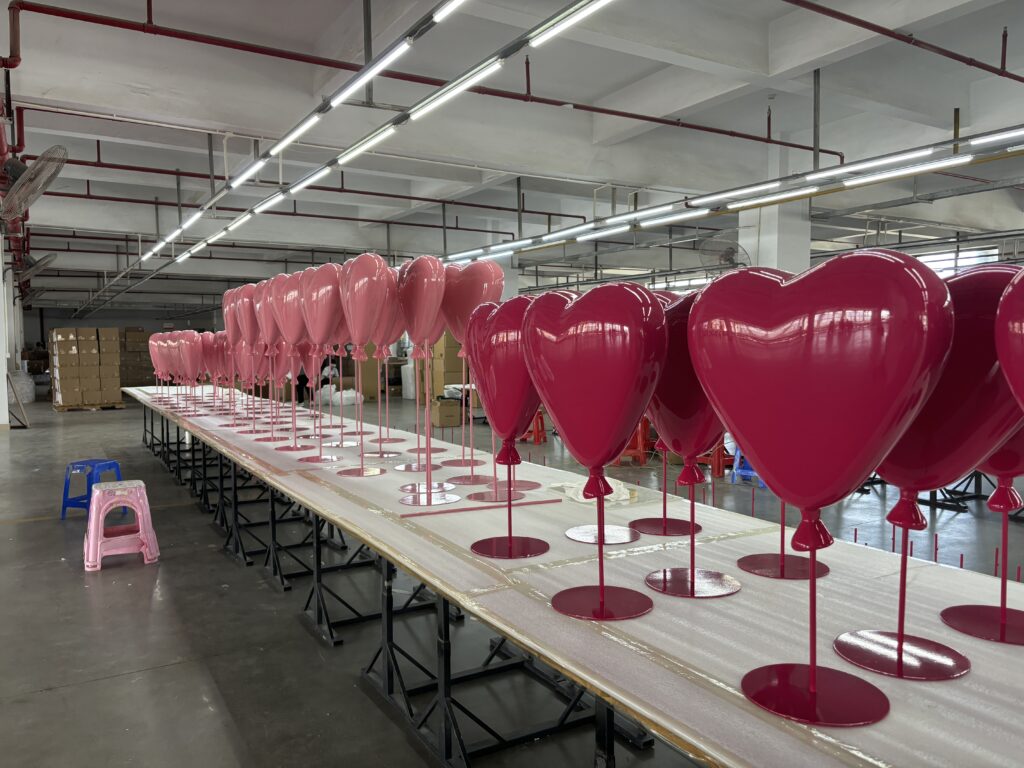
🎯 Introduction: When Vision Meets Production

You’ve spent weeks perfecting a beautiful display concept:
✨ Clean lines, glowing logos, curated textures, premium finishes.

But then you talk to the factory...

“They asked for a STEP file. What’s that?”
“Why can’t they just build what’s in my render?”
“They say the edge can’t be lit that way. Why not?”

Sound familiar?

At Samtop, we bridge this gap between creative vision and manufacturing logic every day.

Here’s how to communicate effectively with your factory — so the final display reflects your original intent.
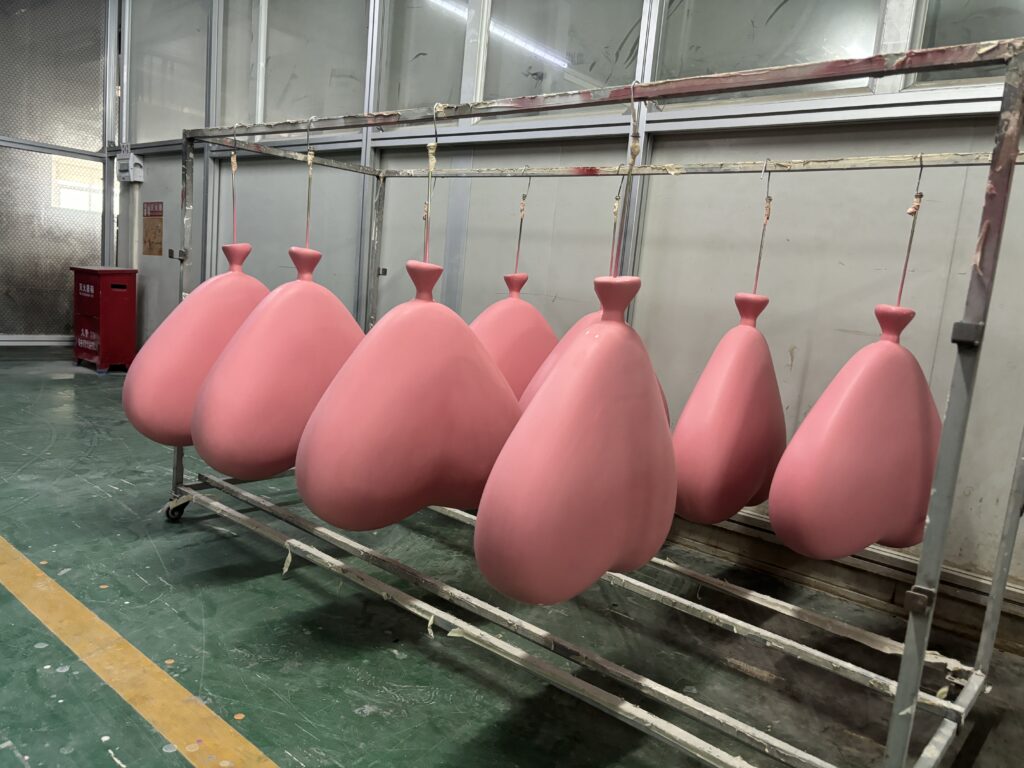
✅ 1. Explain the Intent, Not Just the Image

Factories don’t just need to see your idea — they need to understand its emotional and functional purpose.

Instead of...Say this...
“Make this glossy.”“We want the edge glossy to reflect store lights and feel sleek.”
“It needs to look premium.”“We want a luxury effect — something like brushed gold or mirror chrome.”
“Make it look floaty.”“We’re going for a weightless effect from the customer’s eye level.”

🎯 Clarity of intent allows the factory to suggest better structure, material, or finishes.

✅ 2. Describe the Desired Effect, Not Just the Material

Creative Brief:

"We must use stainless steel."

More effective version:

"We want a silver mirror effect. Stainless steel is one idea — open to other options that achieve the same look."

💡This opens the door to smarter alternatives like mirror acrylic, PETG, or metallic spray paint.
🔗 Learn about material finishes for displays →

✅ 3. Share Both Creative & Technical Files

File TypePurpose
Render / SketchCommunicates form & look
MoodboardShows brand tone, texture, feeling
Brand Guide (Color, Logo)Ensures consistency
3D File (.STP / .IGS / PDF)Allows accurate quoting & tooling
Pantone CodesEnables color-matching
Campaign ContextClarifies scale, permanence, usage (indoor/outdoor)

🎯 Don’t worry if you're not technical — send what you have. Samtop will help interpret.
Visual Merchandising Solutions

Transform your retail space with custom POP displays, window decorations, and luxury merchandising solutions. Get expert consultation and premium manufacturing services.

✓ 20+ Years Experience • ✓ Global Shipping • ✓ Custom Manufacturing
Visual Merchandising Solutions

✅ 4. Use Visual Markups Instead of Long Emails

🖍️ Example:

Annotate your render:
“Make this edge 8mm instead of 5mm — looks stronger.”

Tools like:

  • Figma
  • Keynote
  • Adobe Acrobat
    ...make this super easy — and save 3 rounds of back-and-forth.

✅ 5. Ask for Technical Feedback — Before Sampling

Instead of waiting for the prototype to fail, ask:

  • Can this structure hold weight?
  • Is this corner prone to cracking during shipping?
  • How will the LED wiring be hidden?
  • Would you simplify this shape for cost or strength?

✅ At Samtop, we help flag issues early — and prevent expensive rework.

✅ 6. Use Friendly, Flexible Phrasing

SituationUse This Phrase
You want a visual finish“We’re aiming for a brushed gold or soft chrome — what finish do you recommend?”
You’re unsure of structure“Can you suggest support structure that fits this shape?”
You want options“Can we quote this in both resin and MDF with spray?”
You welcome improvement“Let us know if there’s a simpler way to achieve the same effect.”

🧠 You don’t have to speak “factory.” You just need to collaborate clearly.

📊 Designer-to-Factory Communication Summary

ActionWhy It Helps
✅ Explain design intentHelps avoid misinterpretation
✅ Provide visual & tech filesQuoting becomes more accurate
✅ Use annotated screenshotsAvoids 3–5 rounds of revisions
✅ Accept suggestionsReduces cost and failure risk
✅ Confirm context (retail, window, travel)Ensures correct structural design

❓FAQ: Creative Communication with Factories

Do I need a 3D file?
No. A render + moodboard is often enough for quoting.

What if I don’t speak “technical”?
Describe visual goals and desired effect — the factory will translate.

Can I send hand sketches?
Yes — especially when annotated clearly.

Why should I explain design choices?
Intent helps factories recommend smarter structures, finishes, or simplifications.

Will context help production?
Absolutely. Indoor/outdoor, duration, shipping method — all affect feasibility.

🎯 Conclusion: Make Your Creative Vision Factory-Ready

The best results happen when creative and factory teams align.
At Samtop, we help you:

  • Translate design into production-ready structure
  • Advise material alternatives
  • Quote efficiently with visual + functional understanding
  • Guide you from render → sample → rollout

📧 sales@samtop.com

Let’s make your idea real — without compromise.

Bob

About Bob

Hi, I’m Bob, the funder of SamTop.com, Our company makes visual merchandising props, retail display stands and window display decoration for many years now, and the purpose of this article is to share with you the knowledge related to retail displays from a Chinese supplier’s perspective.

Connect: