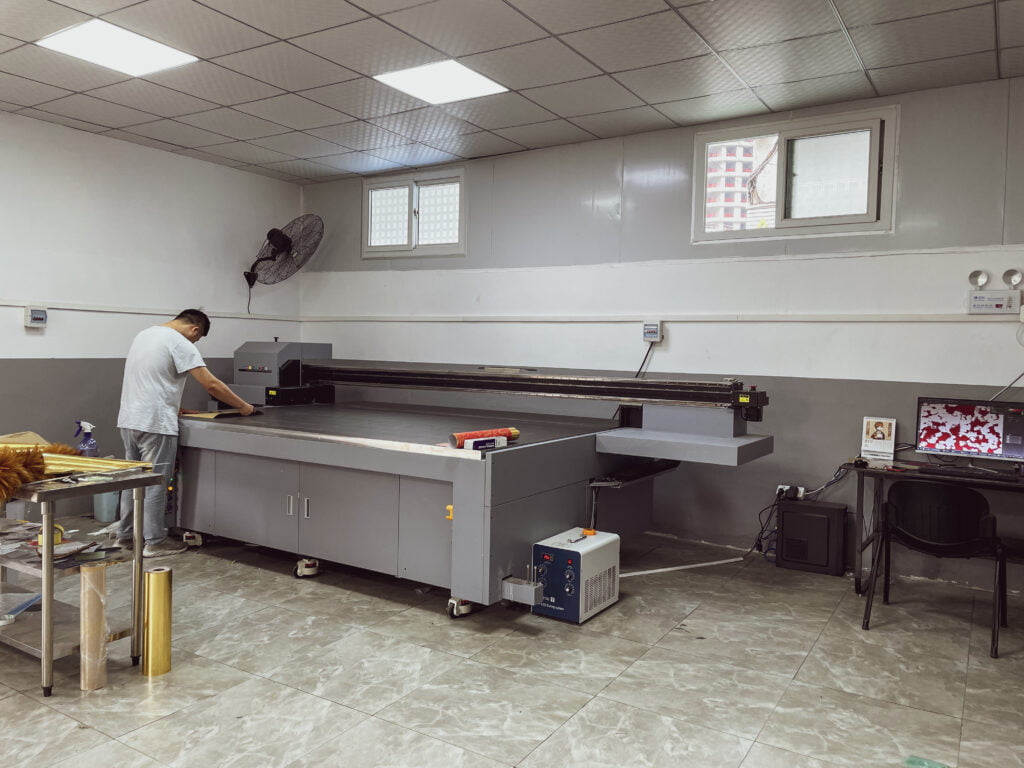
UV printer is a common fast inkjet printing equipment in the current market, UV printing has the advantages of fast curing, good resistance, high printing accuracy, and less pollution. More and more advertisers use UV printing to replace traditional printing such as screen printing and offset printing. But UV printing also has an obvious disadvantage in that sometimes the ink is easy to not stick to the substrate, once the problem will greatly affect the product delivery. UV printing ink does not stick to the substrate mainly for the following reasons.
1. UV light power is not enough
Printing ink layer is too thick drying is not complete, UV light power is not enough, light tube aging, light tube reflector aging, UV light output power is too low may cause the ink is not dry and the formation of ink does not stick to the substrate.
Solutions.
(1) the use of deep ink thin printing, deepen the pattern color and reduce the amount of printing ink.
(2) increase the UV light output power, check whether the UV light is aging, regular replacement of UV light, and clean the reflector.
(3) Slow down the printing speed to increase the light time of the ink.
It is worth noting that when the UV light power is too high, it will lead to film-forming ink curl deformation becoming brittle, ink adhesion decreased ink is jagged or block type fall off. At the same time, flatbed UV printers cannot print mirror-like materials (reflecting ultraviolet light) to avoid damage to the printhead.
2. The surface of the substrate is too smooth
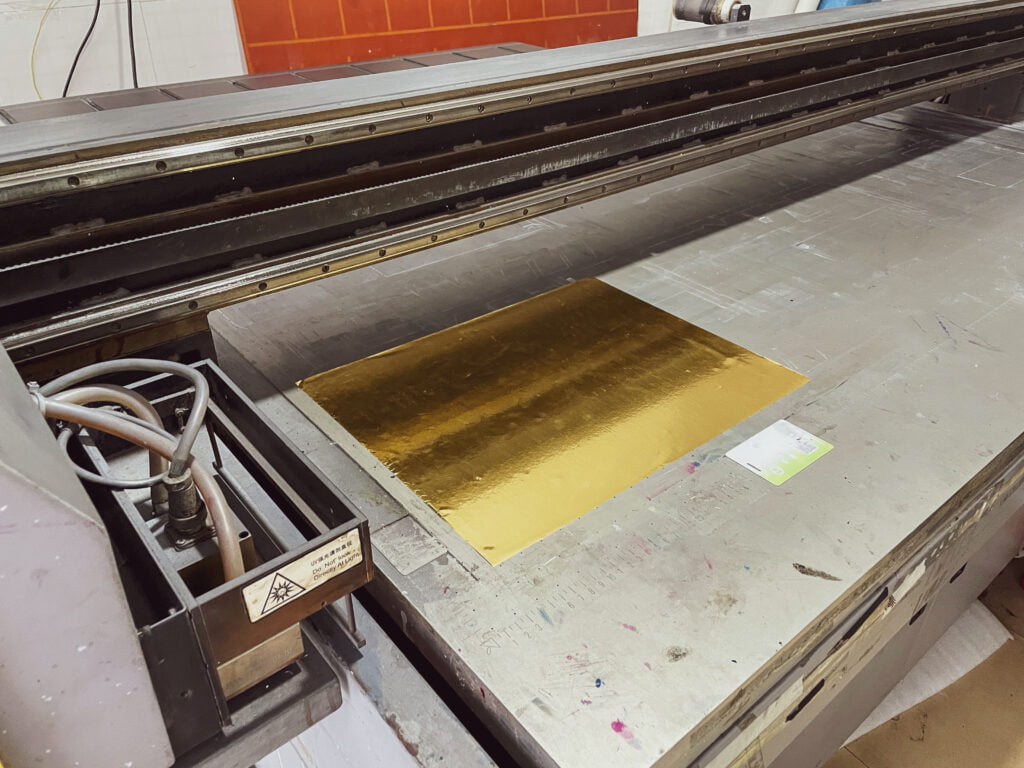
The surface of the material is too smooth, the tension is not enough to reach above 38 darns, and the ink cannot be firmly attached to the substrate surface.
Solution.
(1) Use a satellite rotating machine with an inline corona function and perform inline corona treatment to improve the surface energy of film materials.
(2) Consult with the ink supplier to use a higher adhesion type of ink.
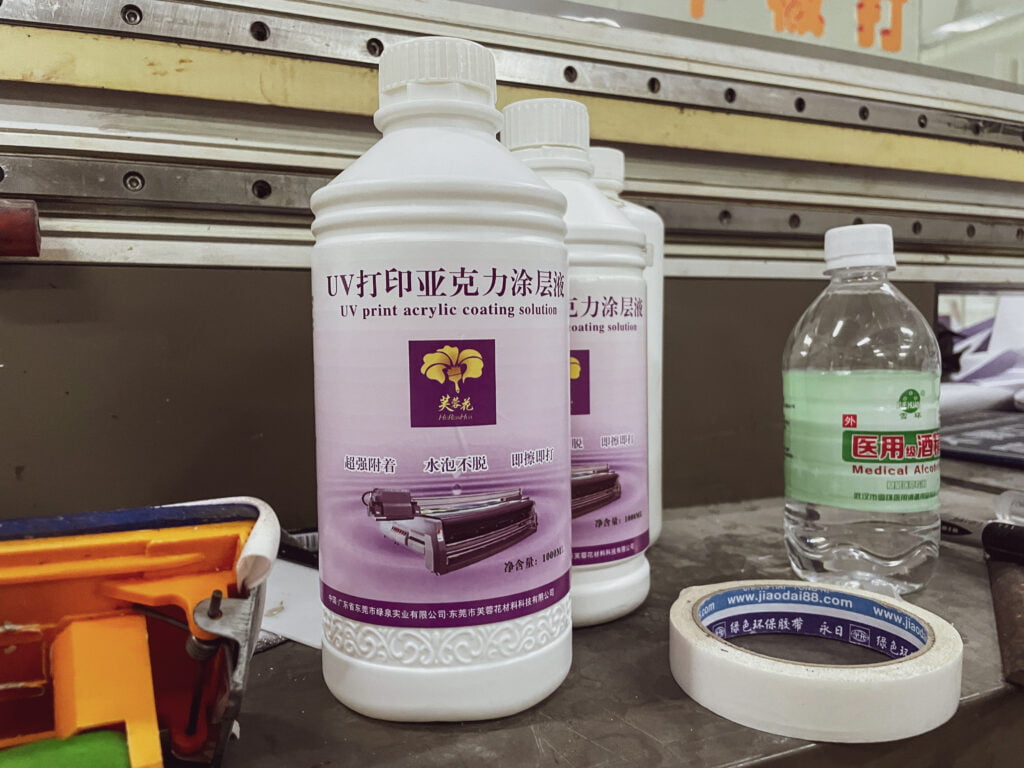
(3) Pre-apply material coating to the material surface before printing.