
How to Make Your Field Execution Photos Support Trade, Sales, and ROI
By Yan Luo | Samtop Display
Window and in-store photos aren’t just “nice to have” — they’re proof of execution, ROI validation, and team performance. Without standardized guidance, however, VM (Visual Merchandising) photos become just pretty pictures with limited business value. To drive true trade, sales, and global visibility, your display photos must align with KPIs.
Brands and retailers spend thousands on POP displays, yet lack a structured way to track whether those displays were implemented as planned — or even at all.
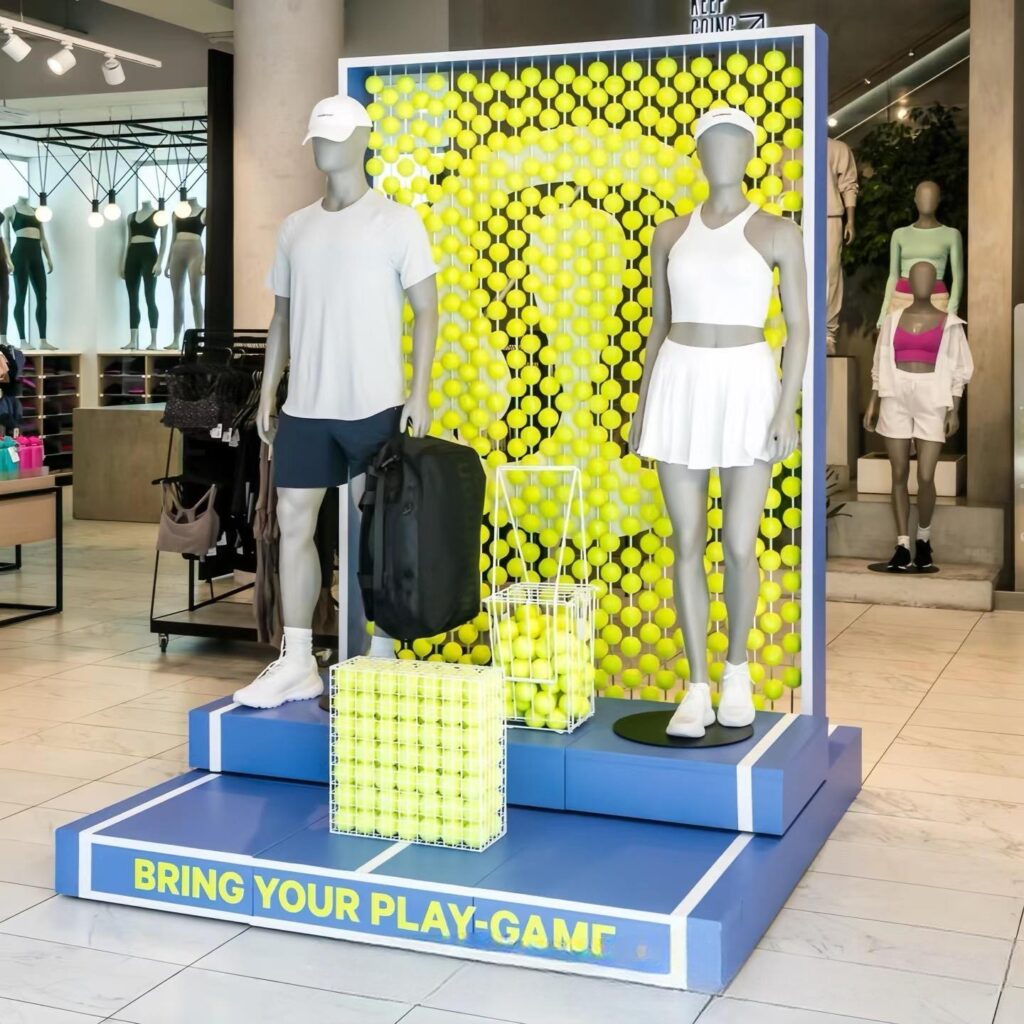
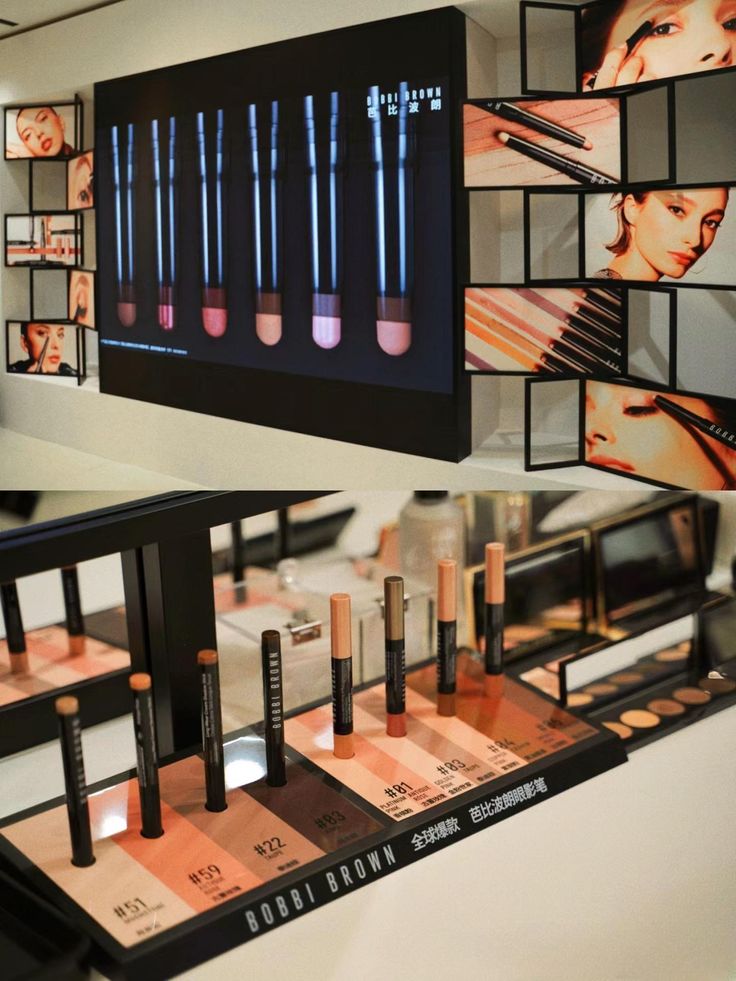
Unlabeled, inconsistent, or incomplete store photos confuse everyone.
A "nice looking" image doesn't tell trade teams if the promo was activated, doesn't show sales whether GWP was offered, and doesn’t confirm global team expectations on execution quality.
“Looks good” ≠ “Sold-through”
“On-brand” ≠ “On-target”
Use KPI-linked photo standards to capture what matters to every team: sales, trade marketing, brand, and HQ. With the right angles, naming conventions, and reporting templates, store photos can become real-time retail dashboards.
🎯 What Are VM Photos Actually For?
| Audience | They Need to See… |
|---|---|
| Trade Marketing | Promo offer visible and correctly displayed |
| Sales Teams | Products stocked, price tags shown, GWP active |
| VM / Brand Team | Layout clean, visual identity consistent |
| Global HQ | Local market compliance, rollout completeness |
| Retailers | Proof for co-funded display program compliance |
💡 A photo is only worth 1,000 words if it answers the right questions.
📸 What to Include in a Good Display Photo Report
| Photo Angle | Purpose |
|---|---|
| Full Window / Counter View | Show location, size, placement |
| Display Close-Up | Confirm layout, logo visibility, tester zone |
| GWP / Promo Section | Validate that offer is active and correct |
| Shelf Context | Show proximity to other products |
| SKU Zoom-In | Check what products were actually stocked |
| Label / Price Tag / Signage | Confirm all commercial information is shown |
| Unboxing or Setup (Optional) | Capture install pain points or staff experience |
📌 Pro Tip: Use a mobile checklist or laminated guide for your field teams.
📊 How to Tie Photos to Your Retail KPIs
| KPI | What to Capture |
|---|---|
| Sell-through Lift | “Before” and “After” display setup photos |
| Promo Compliance | Visible signage, GWP or bundle elements |
| Execution Rate by Retailer | % of stores with full visual setup |
| Installation Quality | How easy/hard it was to install — notes/photos from staff |
| Branding Consistency | Correct use of logos, fonts, color tones |
✅ Link each store photo folder with:
- Store name + location
- Time/date stamp
- Staff notes (e.g. "stand was too large", "sleeve missing")
📁 Best Practices for VM Photo Submission
- Use a shared Drive or Dropbox organized by:
- Campaign → Region → Store → Date
- Standardize file naming:
EU_London_WatsonsCounter_2025-05-01.jpg - Require 4–5 key angles per location
- Include QR codes on displays for instant location-tagging
- Motivate staff: reward best photos with public recognition or bonuses
📈 Real Case: Standardized Photos = Measurable ROI
Client: Global beauty brand running GWP campaign in 7 markets
Problem: Store photos were inconsistent, unlabeled, and incomplete. HQ couldn’t verify if promotions were properly executed.
Solution by Samtop: